First login & locale setup
Cleaver ships pre-loaded with every Cleaver module a butcher shop needs. On first login the only thing you need to do is tell it which unit you weigh in.
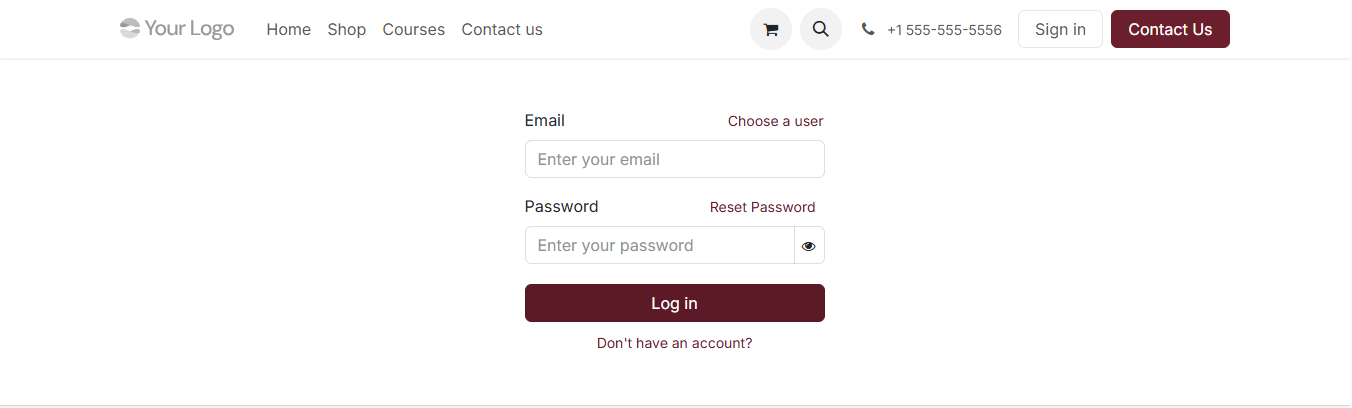
On the demo, sign in as demo / demo and you’ll land on the Operations
dashboard.
Set your weight unit
Inventory → Settings → Units of Measure → Weight. Pick Pounds if you’re in the US, Kilograms elsewhere. One toggle controls every weight surface in Cleaver — labels, POS, dashboards, reports — so you never have to think about it again.
Saved values stay in kg under the hood; what you see and type follows this toggle.
Add your team
Settings → Users & Companies → Users. Most shops use two roles: an Admin (the owner, full access) and Internal Users (cutters, counter staff). POS multi-cashier login uses these accounts — every register session ties to a real person for accountability.
See User permissions for the counter-staff vs admin breakdown.
What’s next
- Got an animal arriving? Jump to Carcass intake.
- Want to set up cut-sheet templates for repeat customers? Building a cut sheet covers it.
- Need to add more people? Inviting your team.